@cycomachead As you know, the MicroBlocks library provides a method for connecting Snap! to a microcontroller. We were elated by the significant improvements made to this library in the most recent Snap! release.
However, in order to share and discuss these types of physical computing projects in the forum, it is necessary to share both parts of the program: (1) the Snap! code on the computer, and (2) the corresponding MicroBlocks code that is installed on the microcontroller.
Previously it has been possible to upload the MicroBlocks code to the forum, along with a link to the associated Snap! code. Now, however, an error message appears stating that only files with approved extensions can be uploaded - evidently the currently approved extensions do not include “.ubp” files (i.e. the extension used for MicroBlocks). @petermathijssen says that fixing this issue lies within your realm of expertise.
Is it possible to allow MicroBlocks code (i.e. files with the “.ubp” extension) to be shared in the forum again? (Alternatively, if that is not possible, is there another way to share Snap! files and associated MicroBlocks together so that they can be accessed and discussed?)
Thanks.
If ubp are accepted (again  ), then maybe ubl should be accepted too. Ubl are MicroBlocks library files.
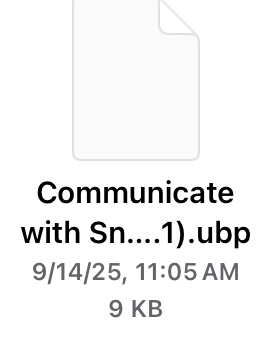
When we save MicroBlocks files, they appear with this extension:
Yes, that is the MicroBlocks project file. When you make libraries they use the ubl extension.
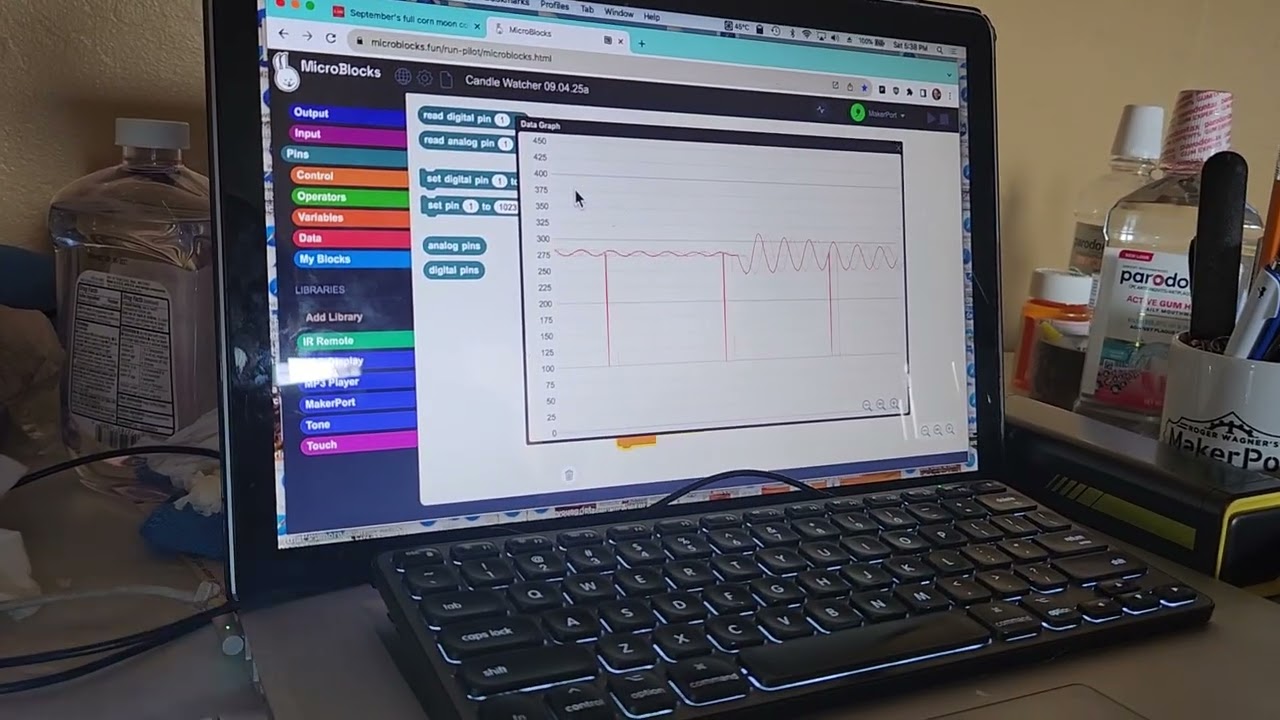
John Maloney just added the startup program for the MakerPort and the “Graphing Photoresistor” example to the “Examples” section of the development (pilot) version at our request so that participants at NTLS will have access to it on Thursday:
However, this is not a scalable solution. It would be better if the ability to post MicroBlocks files along with links to associated Snap! code directly in the Snap! forum were restored.
Here is a PDF with the complete directions for the activity.
Flickering Candle Demonstration.pdf (1.2 MB)
Roger Wagner initially did the activity with an infrared flame sensor but found that he obtained better results with a photoresistor:
https://www.amazon.com/s?k=ldr+module+4
Roger’s e-mail address is in the documentation in case you would like to communicate directly with him about any of the details.
@rrwagner
The Photoresistor example is currently in the development version within the MakerPort folder.
@petermathijssen I'm here too, and happy to help for any questions.
Thanks! I’m not sure when this changed, but I’ve added ubl and ubp to the list.
Sharing Microblocks files definitely seems fine, though we don’t really want to become a generic file sharing site of course.  I don’t intend to do anything that would break existing URLs or links, but if you’re sharing things widely beyond the forum I’d recommend somewhere that you control (Google Drive/Dropbox if necessary)
Also, kind of weird that PDFs were not explicitly allowed before but accepted, so I’ve added those to the allowed files too.
Thanks so much!
The use case that we envision is not sharing generic MicroBlocks files, but rather for discussion of Snap! programs that make use of the MicroBlocks library. The key in those cases is to keep the two files (i.e., Snap! on the computer and MicroBlocks on the microcontroller) together.
P.S.
Earlier this morning we had a conversation with Bernat, who was musing about the possibility of embedding MicroBlocks files in an image in a manner similar to ScriptPics. If I understood Bernat correctly, it might in theory be possible to embed both the Snap! code and the MicroBlocks code in a common SuperScriptPic.
Another possibility that Bernat mentioned was perhaps providing the capability in Snap! to connect to the microcontroller and load code to the microcontroller directly from the Snap! interface so that it would no longer be necessary to switch back and forth between two web pages.
But in the meantime, we’re delighted to have a stable, standard Snap! library for connecting to MicroBlocks on a microcontroller. Thanks to everyone who made this possible.